
See where your day
actually went.
Privacy-first time tracking for Windows. Nothing leaves your PC.
Your day, in frames
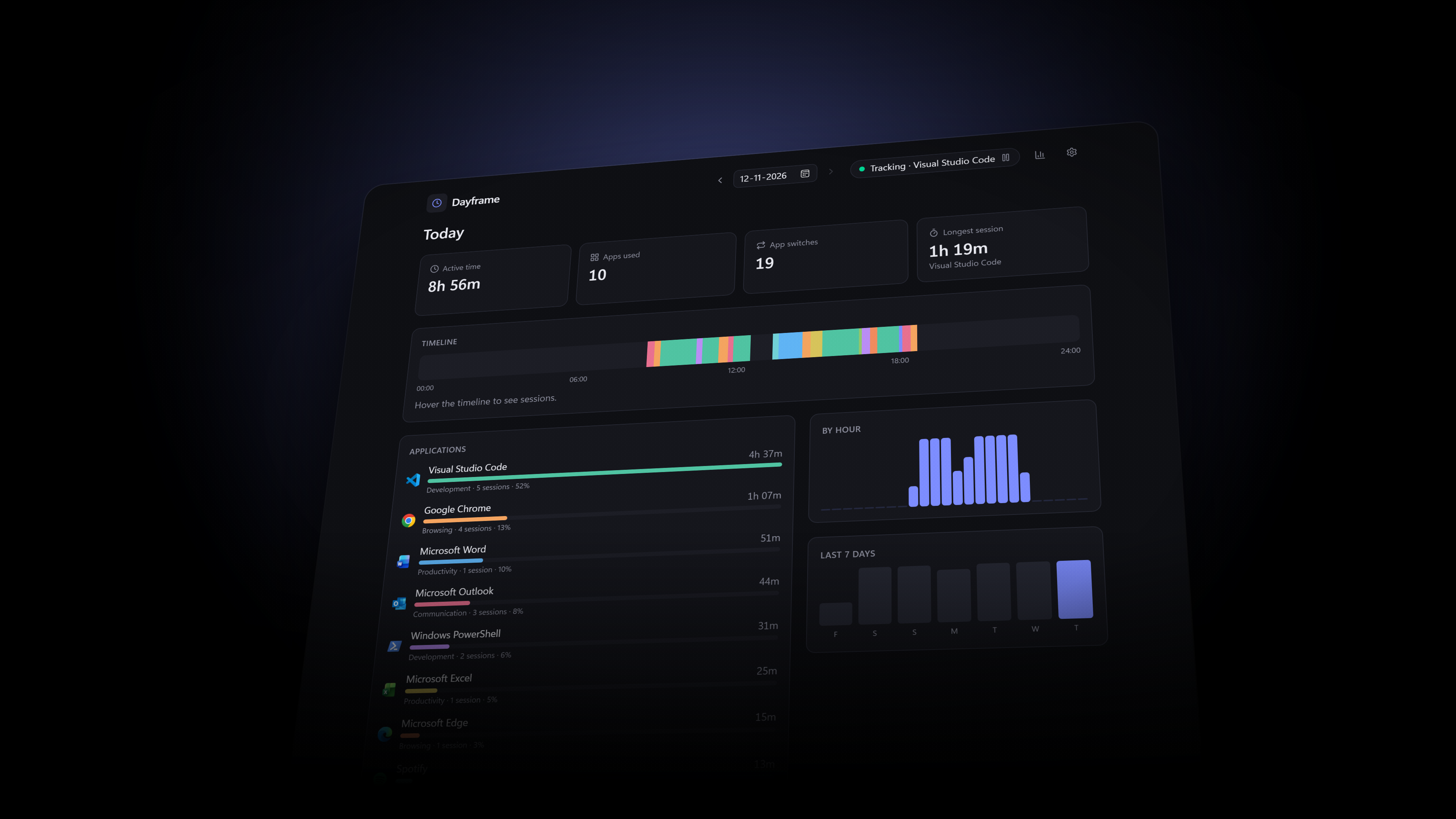
Every view, built to answer one question fast.
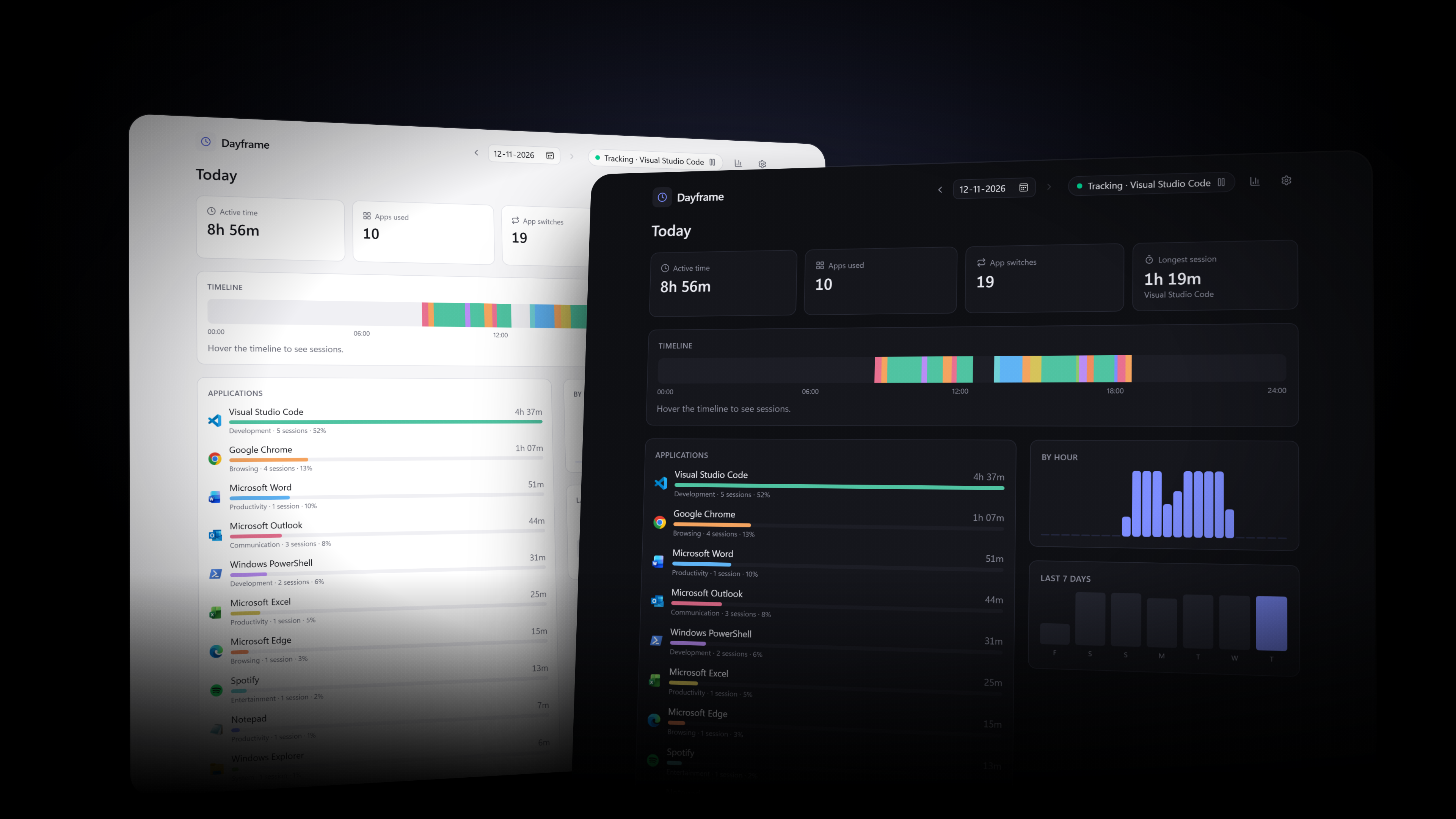
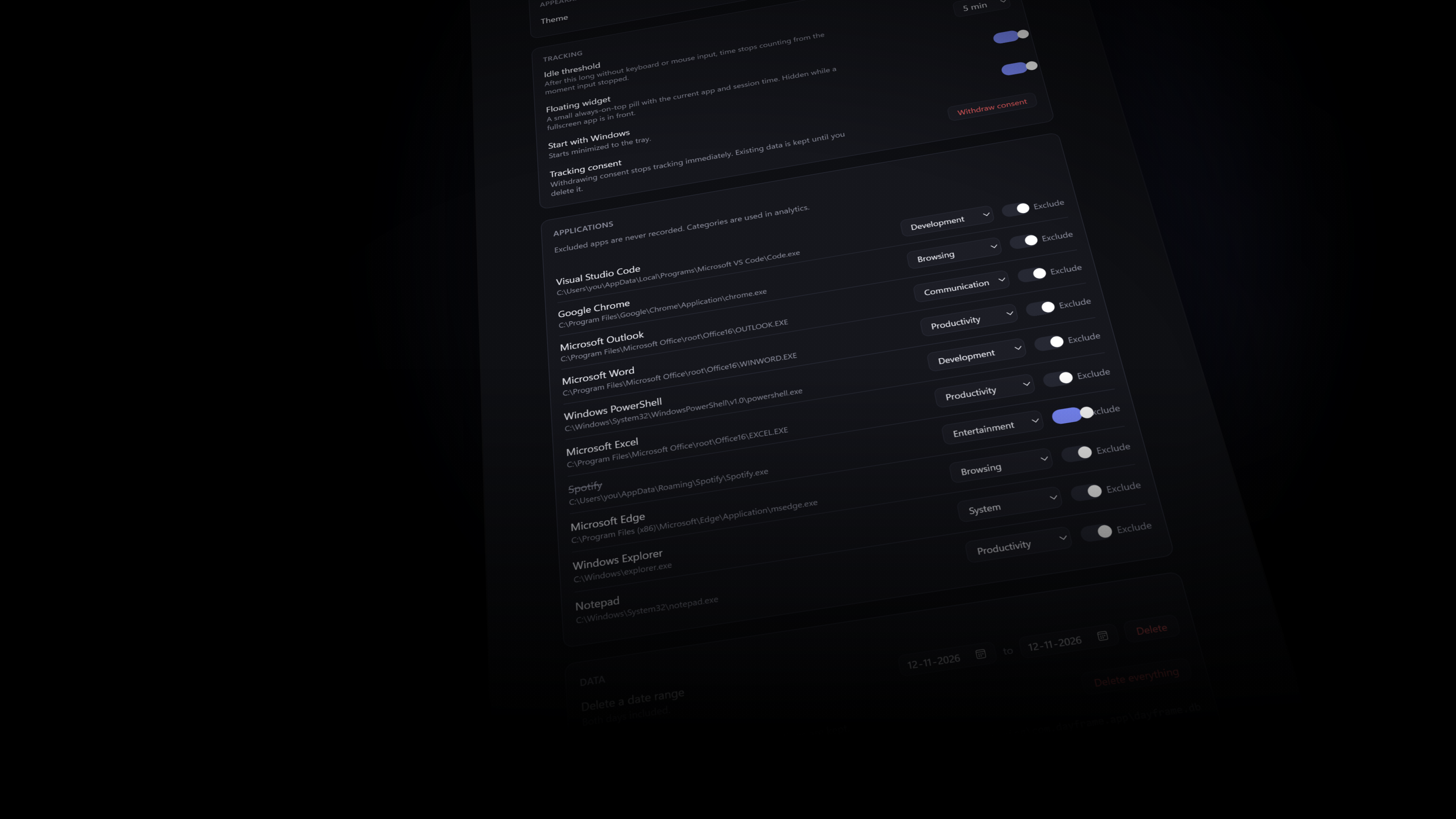
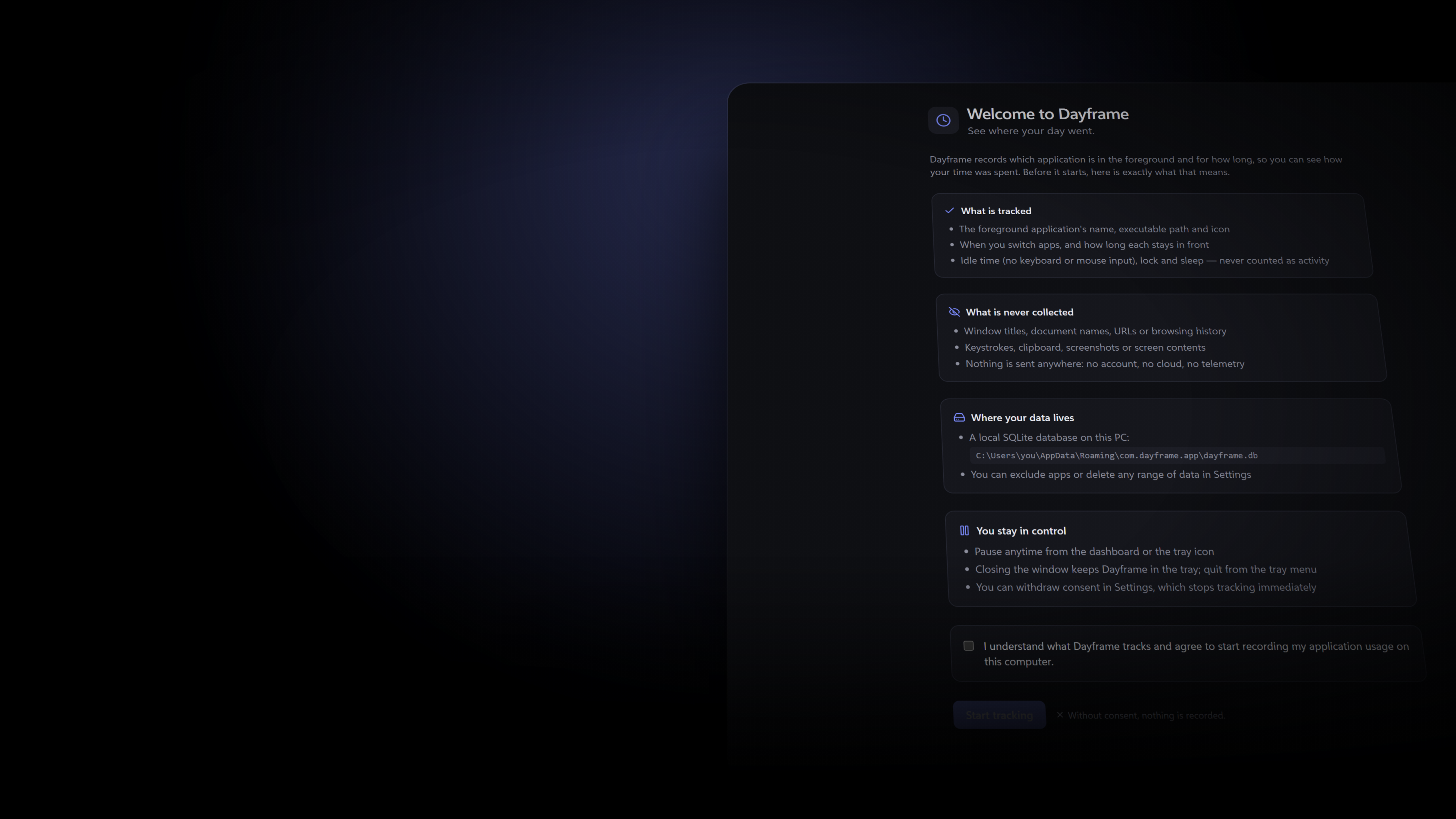
The full picture
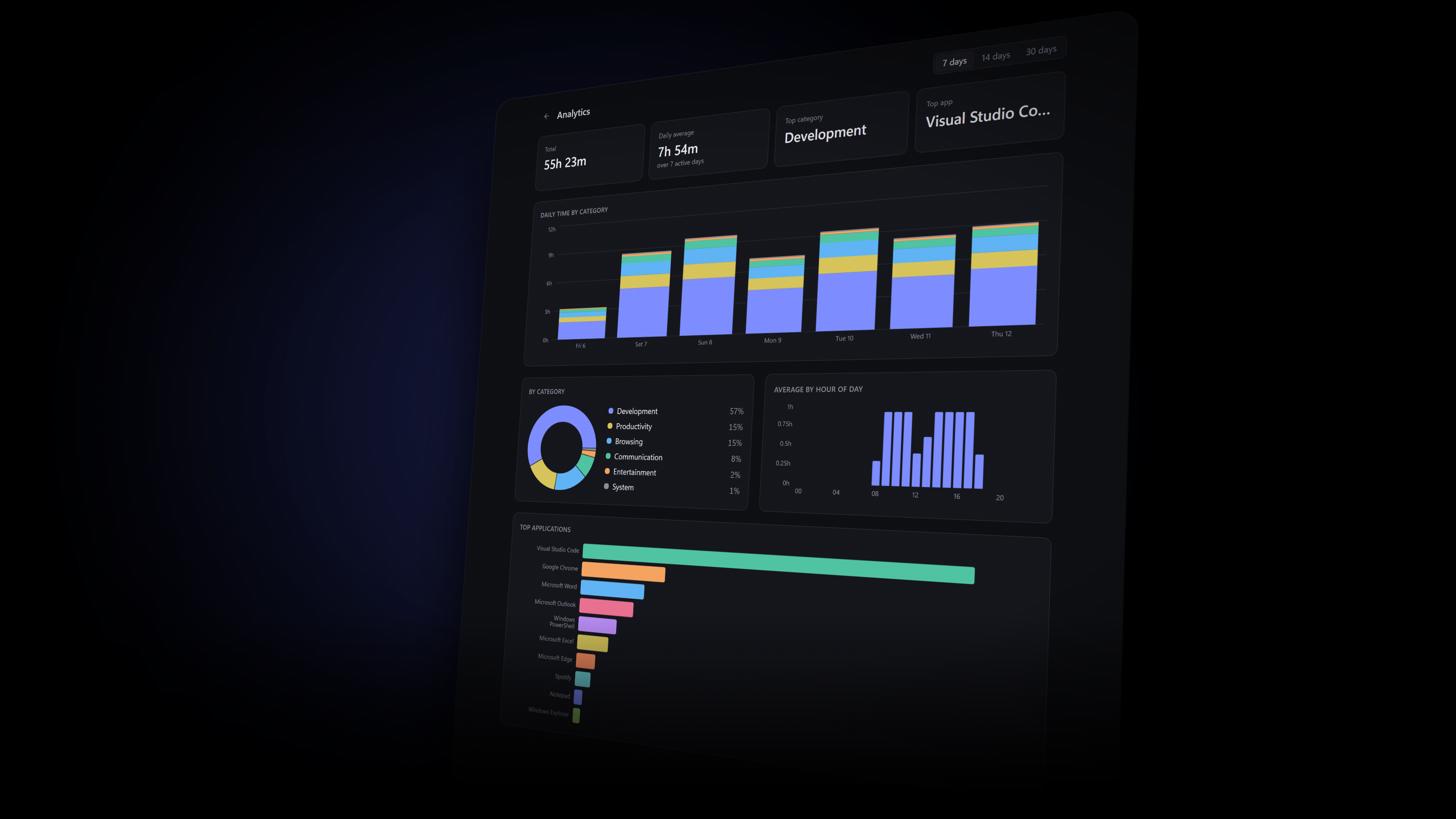
Dashboard and analytics, side by side.
Built for focus
Automatic tracking
Samples the foreground app once a second. No timers to start, nothing to remember.
Private by design
Local SQLite only. No network code, no telemetry, no window titles or URLs.
Real insight
Timeline, per-app totals, categories and hour-of-day trends across 30 days.
Floating widget
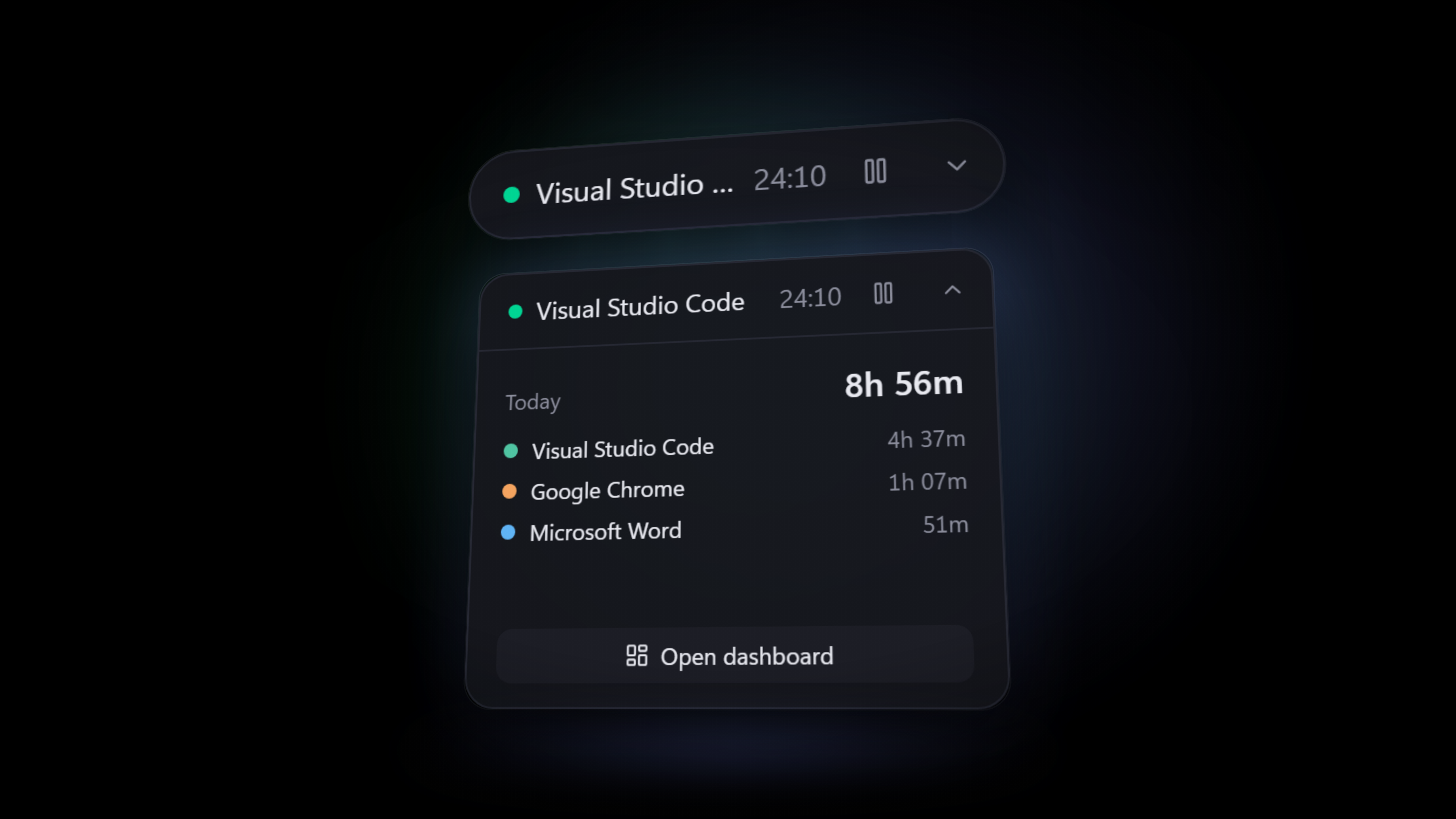
An always-on-top pill with your current app and session. Hides for fullscreen.
08:00 — Start
Dayframe launches with Windows, minimized to the tray, and starts counting.

10:30 — Deep work
Your longest session is logged. App switches tell you how focused it really was.

13:00 — Away
Idle for 5 minutes? Time stops from the moment input stopped. Lock and sleep never count.

18:00 — Review
Open the dashboard. See exactly where the day went, and what to change tomorrow.

Get started
Free. Per-user install, no admin rights needed.